FIELD NOTE 03 · OFFICE AUTOMATION
Office Automation in Practice
We could not afford a full RPA rollout. We could still redesign the repetition in front of us.
A record of work done in 202101
We expected a new system to make the work easier
The factory received more than 100 new orders a day. Production Control had to consolidate them, purchase materials, set the production sequence and calculate shipping dates. The old system did little beyond listing orders, so three people arrived before 5 a.m. to prepare the morning meeting documents by seven.
To reduce the burden, improve accuracy and retain planning knowledge, the company began introducing a new production-management system in 2020. After more than six months of adjustment, it went live at the end of February 2021. The effort took about a year, cost more than ten million yen and required substantial work from management.

02
The distance between the system and the shop floor
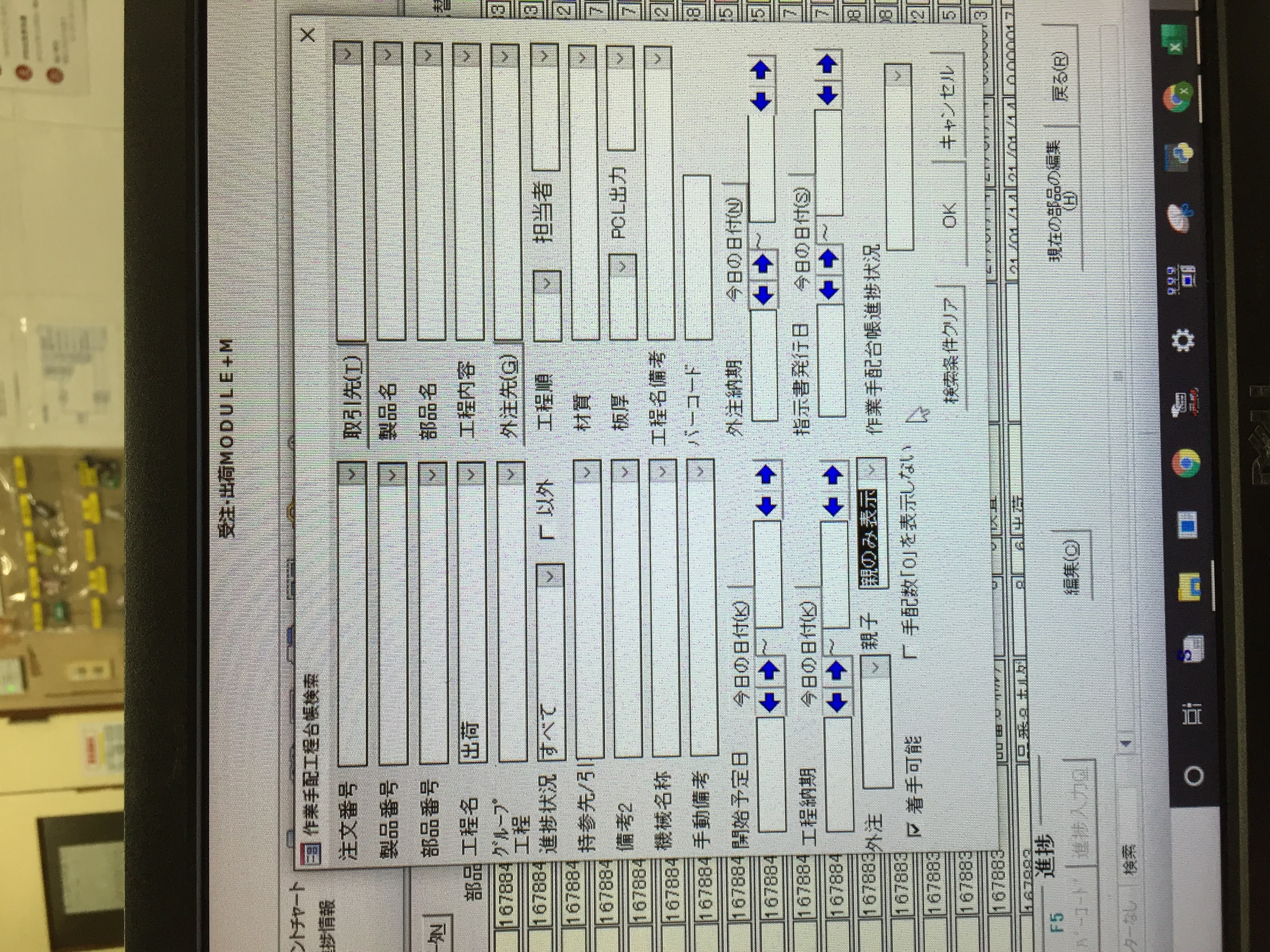
The new system recorded each job in greater detail and provided a more stable database. Yet the terminals made it difficult to enlarge a view, jump to details or leave notes. Materials management was only a framework, and nobody had decided what the large shop-floor screens should show to reveal overall progress.
Most seriously, line leaders lost the paper control sheets they knew. They could see individual processes but not grasp the whole quickly. Questions to Production Control increased, adding work on both sides. Adding a printable layout would take months and cost more than one million yen.
03
The RPA demonstration showed exactly what we needed
Around that time, I attended a presentation by an RPA company. Its demonstration copied stock prices from Yahoo! Finance into Excel and processed 4,000 entries quickly. Recording and repeating operations across the web, email and Excel was a compelling idea.
A full introduction, however, required several million yen, several months and several people. Even scheduled early-morning execution raised the price. For a small company, understanding the benefit did not make adoption easy.
04
First, restore the paper the floor needed
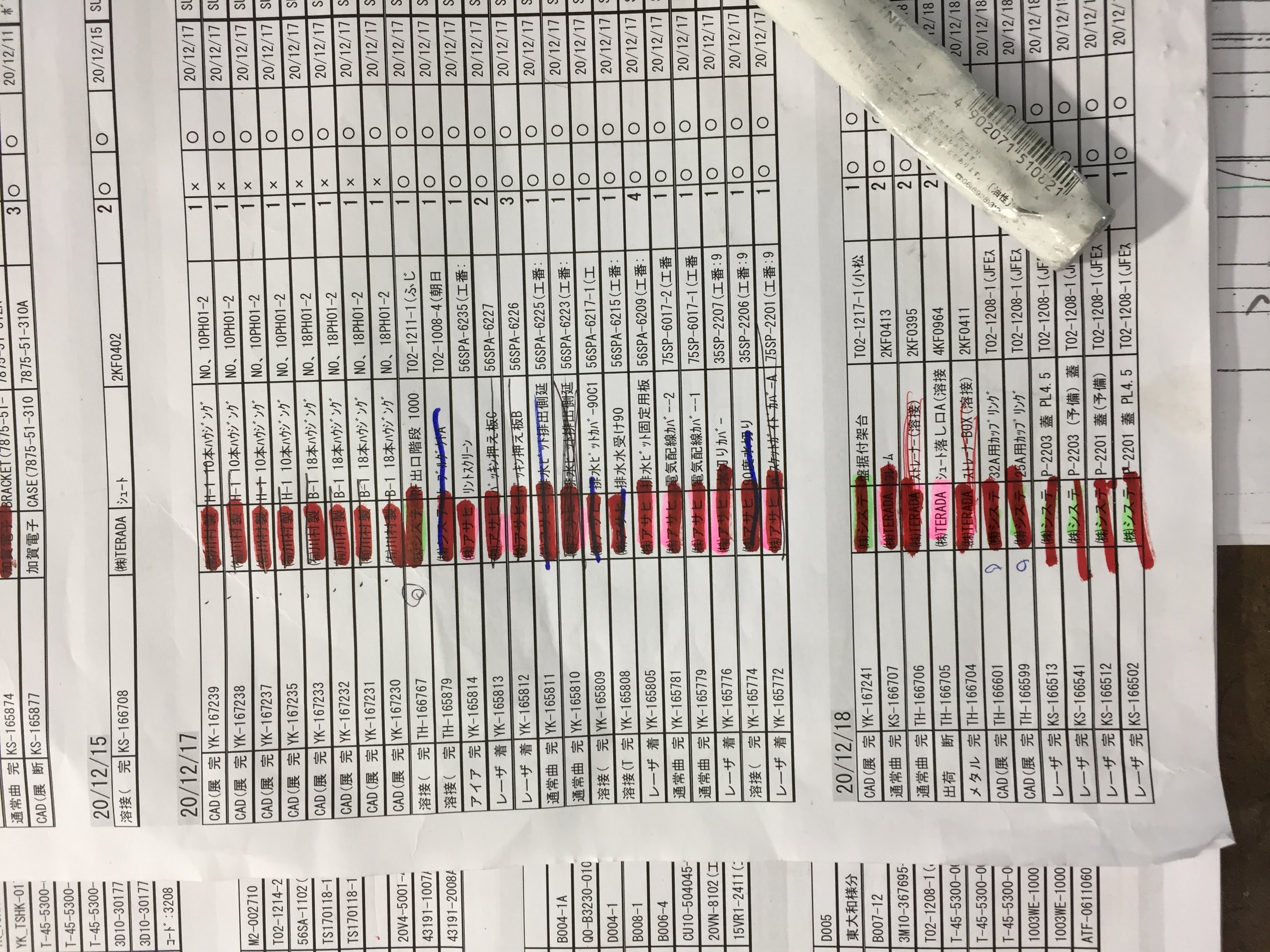
We could not wait for a budget. I manually opened the system, copied the data into Excel, arranged a printable layout and distributed it. Once the sheets returned, line leaders could see the whole again and gradually became comfortable with the terminals.
Behind that improvement, the burden remained. There were about ten processes, each with more than ten pages. Every morning required over 100 copy-and-paste actions, with ample opportunity for duplication and error. At the time, I was the only person left in Production Control. The 5 a.m. start had not changed.
05
Build a no-cost route with Excel VBA
Free RPA products did not work for the job, so I decided to build the tool in Excel VBA. By searching online, I made it open the website, log in, retrieve the first page of the first process and paste the data into Excel. The first sequence took only two or three hours to create.
The next day it could identify the number of pages and download a complete process in about one minute using a loop. I then looped across every process. In roughly one week, the machine replaced more than 100 daily copy operations. Work that had taken a person over two hours fell to about ten minutes.
06
Copying was not the only thing automated
Over the next few weeks, I worked with the line leaders to refine the details: print layouts, the order of priority jobs and colour coding. We did not merely reproduce the old paper. We built a stronger shop-floor tool that compensated for the new system's weaknesses.
Production Control still had one person, but I no longer needed to arrive at five; 6:30 became possible. Later I scheduled printing for 7 a.m. If paper was loaded the day before, the printer would begin just as I arrived.
07
Between a large system and a small automation
This experience showed me that buying an expensive system and genuinely making work easier on the shop floor are not the same thing. The new system gave us a stable database, but it lacked the small bridge that could turn stored data into something the floor could actually use.
The RPA presentation taught me a way of thinking about automation. What solved the immediate problem, however, was observing the floor, deciding what output people needed and replacing manual steps with code one at a time. It cost almost nothing, yet reduced more than two hours of morning work to about ten minutes and ended the need to arrive at 5 a.m.
That did not mean every problem with the new system had been solved. The awkward screen layout, the missing note function and the inability to understand overall progress from the separate process lists all remained. New views and functions were still needed, but budget and staffing constraints prevented the organisation from taking the next step. The compromise was to add a download button beside each process and export its list to Excel.
When a small company introduces new technology, money and staffing are not the only constraints. Limited understanding of the technology and its benefits, along with an organisation's reluctance to let go of familiar methods, can also become barriers. Together, they can prevent an impulse to know from becoming action and result. Office automation does not have to mean a large-scale implementation programme. It can begin with one question: could a machine do tomorrow what I repeated today?